CLI Base
Not part of the hosted product
G6 is hosted: you reach it over MCP by pointing Claude Code (or any MCP client) at the server. There is no desktop app to install and no self-hosted deployment. This page documents a surface that exists in the repository but is not part of the hosted product today — it is kept as engineering reference, not as instructions for customers.
The CLI base provides an interactive terminal user interface (TUI) for the G6 Recursive Architect, built with Textual.
Overview
The CLI base is the primary human interface to G6. It provides an 11-tab TUI for specifying goals, monitoring execution, reviewing HITL tasks, chatting with an LLM, browsing files, managing tasks, and inspecting the component registry.
In a development source checkout, the module entry point exposes additional flags:
python -m mvp.cli                        # launch the TUI
python -m mvp.cli --goal-file goal.json  # launch with a pre-configured goal file
python -m mvp.cli --tui-only             # skip the goal form on launch
Tabbed interface
The TUI presents 11 tabs, accessible via keyboard shortcuts:
| Tab | Key | Widget | Description |
|---|---|---|---|
| Chat | 1 | ChatWidget | Interactive LLM-backed chat with G6 |
| Tasks | 2 | HITLQueueWidget + TaskListWidget + TaskDetailPanel | HITL review queue and task tracker |
| Observability | 3 | MetricsWidget | Real-time metrics, reasoning trace, event log |
| Flywheel | 4 | ImprovementTrailWidget | Solver accuracy trail with per-component scores |
| Files | 5 | WorkspaceFilesWidget | Workspace file browser |
| Components | 6 | DataTable | Component registry (270 registry components) |
| Jobs | 7 | DataTable | Job agents by sector classification |
| TODO / Review | 8 | TodoReviewWidget | Claude TODO list and human review items |
| Settings | 9 | ProjectSettingsWidget | Current ArchitectInput configuration |
| Safety | S | DataTable | CSF safety signature and audit log |
| Demo | 0 | ListView + RichLog | Interactive demo scenarios |
Key bindings
| Key | Action |
|---|---|
q | Quit (cancels run, stops timers, saves state) |
Space | Play / Pause execution |
s | Stop (git snapshot + state.json + exit) |
r | Retry last run |
1--9, 0 | Switch to tab |
S | Switch to Safety tab |
t | Open T0-T3 tier management popup |
Ctrl+B | Open component browser |
F1 | Show help overlay |
Goal specification
On launch (without --goal-file), a 7-field GoalFormScreen is presented:
- Goal (required) -- the objective to accomplish
- Context -- environment details (e.g., "PostgreSQL 15, 10M rows")
- Resources -- JSON resource bounds (
max_execution_seconds, etc.) - Constraints -- JSON list of constraint specifications
- Breakpoints -- JSON list of HITL pause points
- Guardrails -- JSON list of guardrail expressions
- Checkpoints -- JSON list of metric thresholds
The form can also load from a JSON file via the "Load File" button.
Tab details
Chat
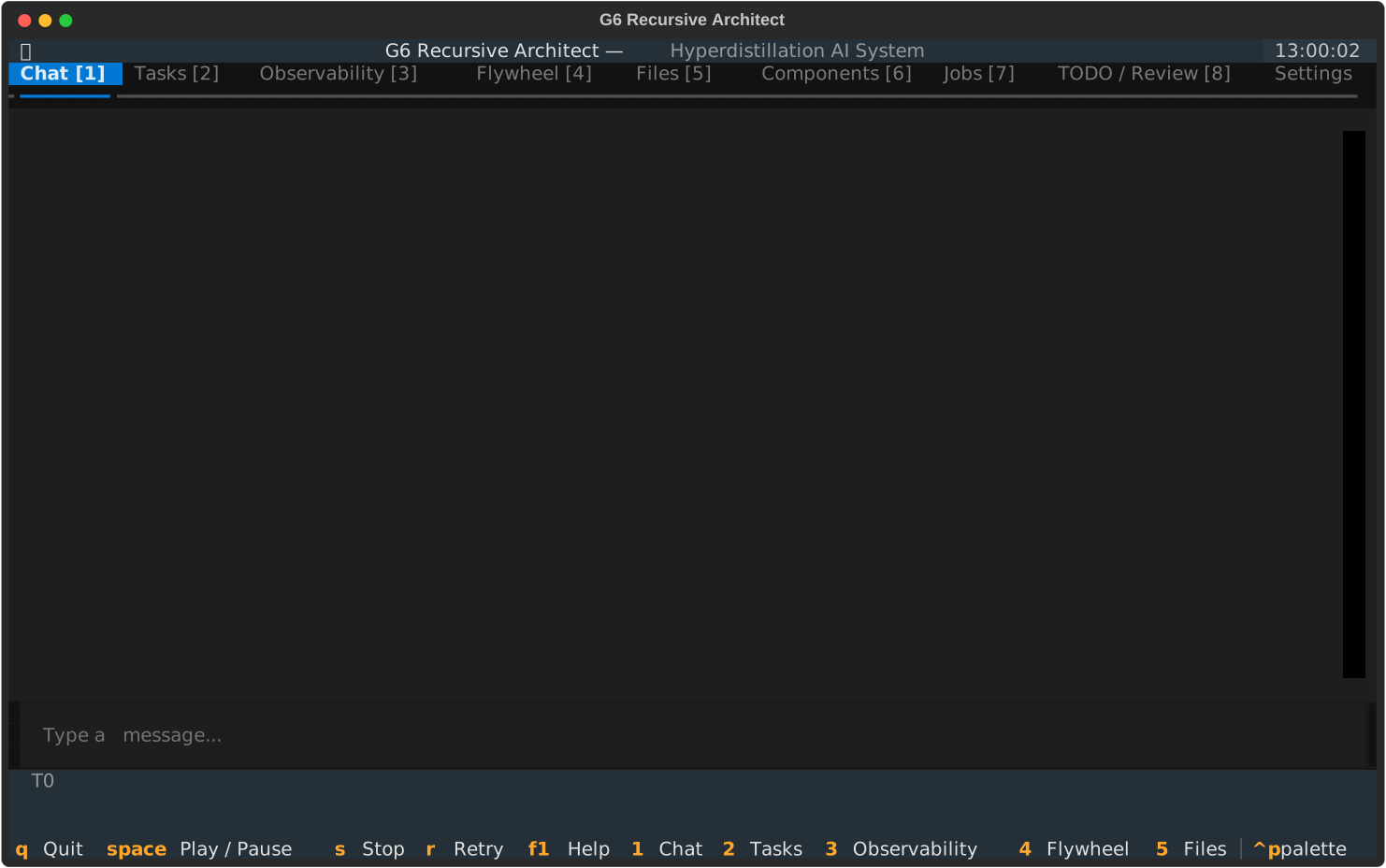
The Chat tab provides an interactive conversation with G6, backed by a local LLM via Ollama.
- Backend:
ollama/llama3.1:8bby default (runs locally, no API key required) - Threading: LLM calls run in a background thread (
@work(thread=True)) so the TUI stays responsive - Context: The last 10 messages are sent as conversation history
- Run awareness: When an architect run is active, the system prompt includes the current goal and run status
Requirements: Ollama must be running locally with the llama3.1:8b model pulled:
Observability
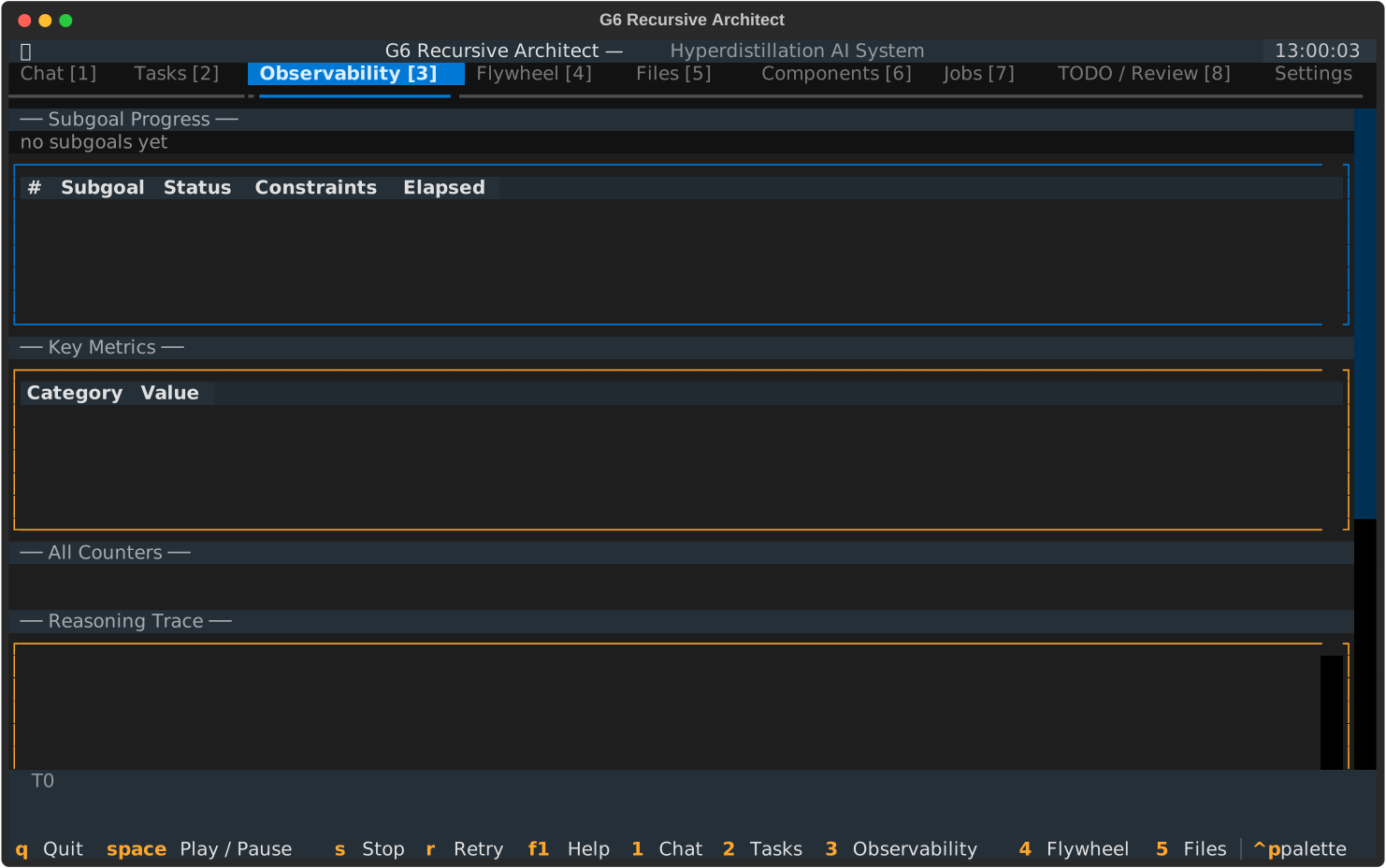
Real-time monitoring of the running architect:
- Subgoal progress -- progress bar and count
- Subgoal table -- DataTable with status, constraints, elapsed time per subgoal
- Key metrics -- token count, cost, reasoning steps
- Reasoning trace -- colour-coded log (decompose=cyan, heal_ok=green, heal_fail=red)
- Event log -- last 100 events
- Links to Prometheus (
:9090) and Grafana (:3000) when available
Tasks
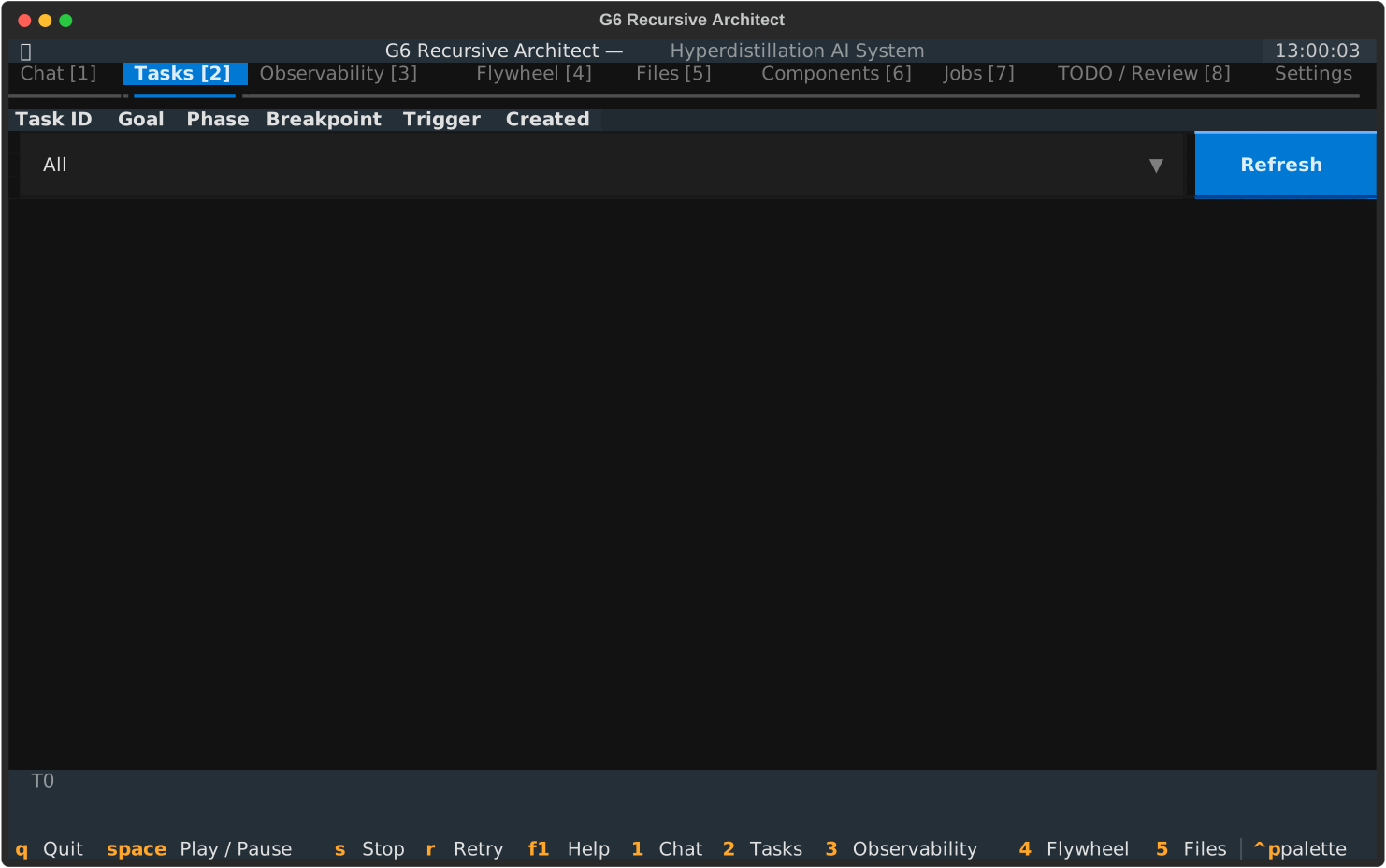
Combined HITL queue and task tracker:
- HITL queue — pending human-in-the-loop decisions in a DataTable with metacognitive prompts, Approve, Override, or Reject buttons, and user reasoning input
- Task list — all tracked tasks (created via MCP/REST/CLI) with status, priority, and component filters
- Task detail — expanded view of selected task with progress, dependencies, and review history
HITL writes .done.json files or uses HITLBridge for Obsidian vault integration.
Files
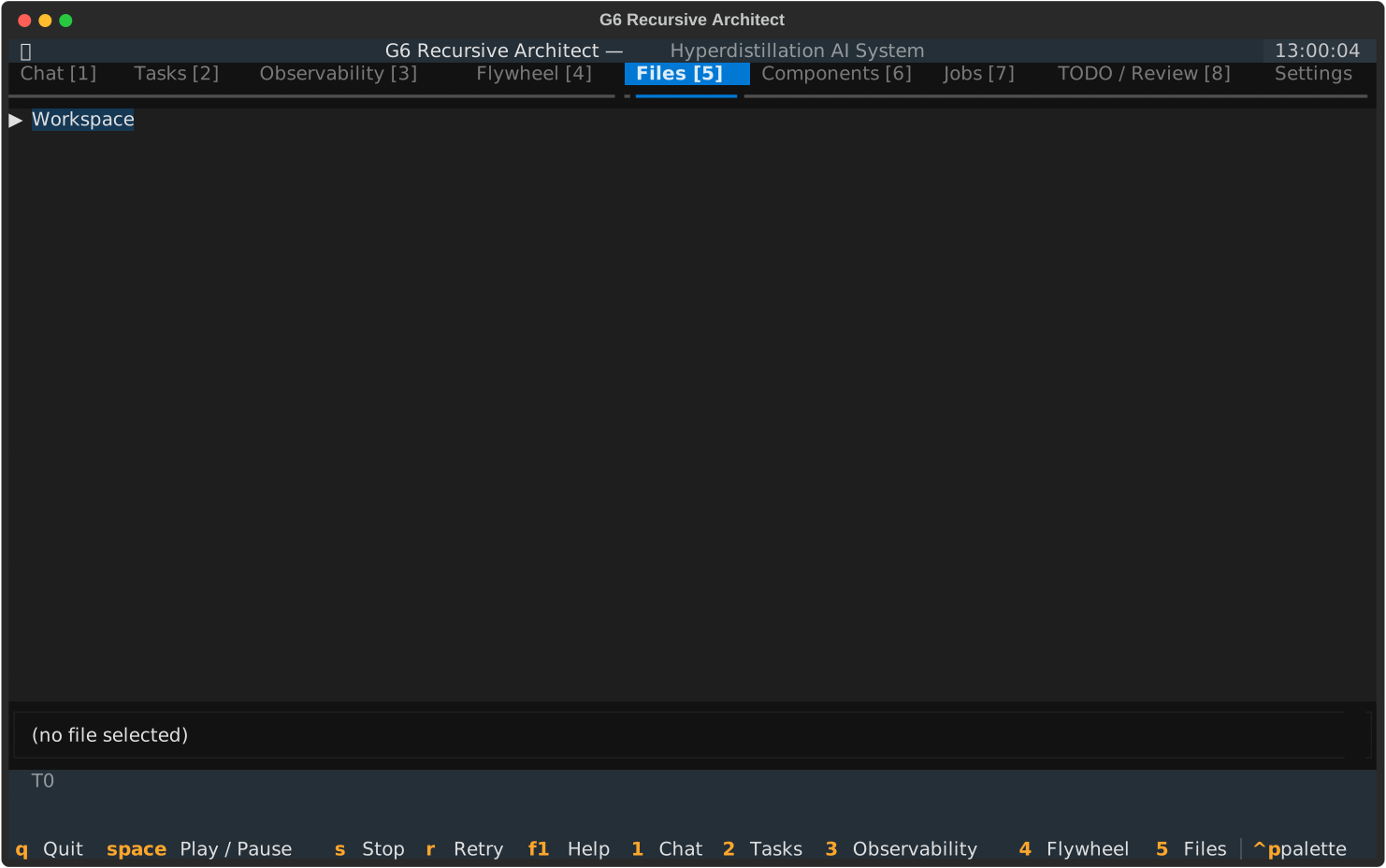
Workspace file browser:
- Recursive directory tree of the workspace
- Click to select files
- Path bar showing the selected file path
TODO / Review
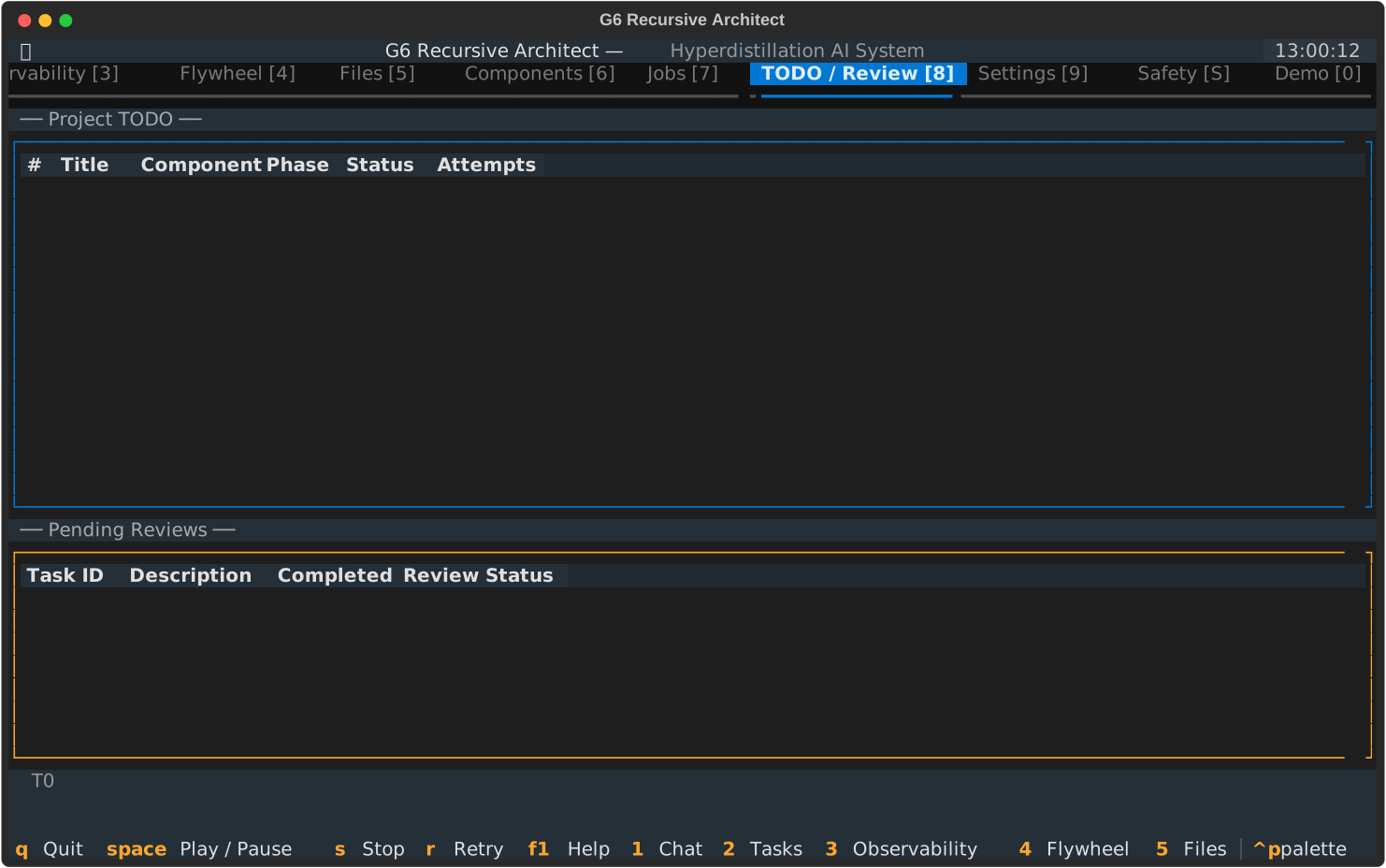
Two tables tracking work items:
- Project TODO -- active tasks from
claude_todo_list.json - Pending Reviews -- code review items from
human_review_todo.json
Settings
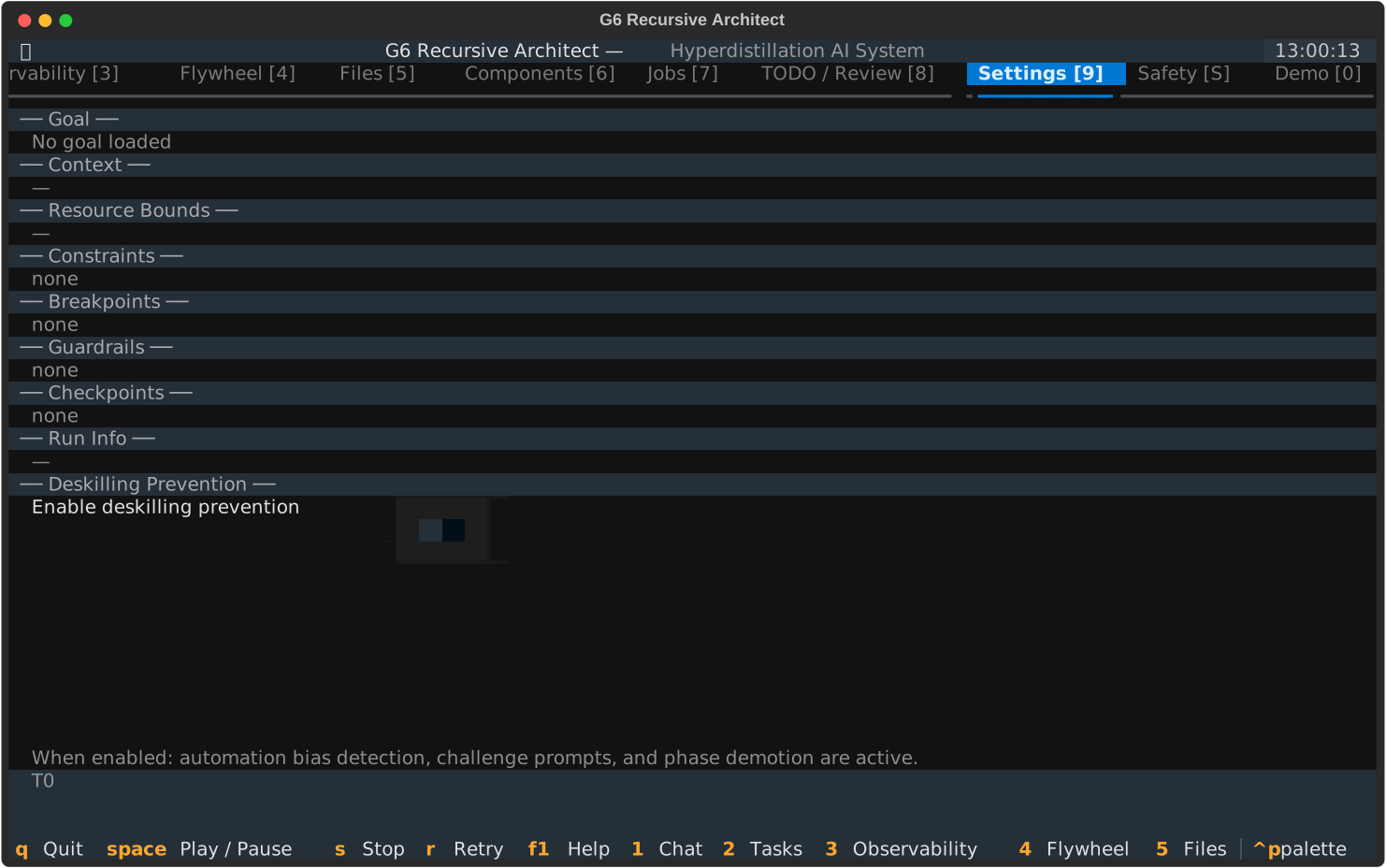
Displays the current ArchitectInput configuration:
- Goal, Context, Resource Bounds, Constraints
- Breakpoints, Guardrails, Checkpoints
- Run Info (run ID, status, branch count, cost)
- Deskilling Prevention toggle
Components
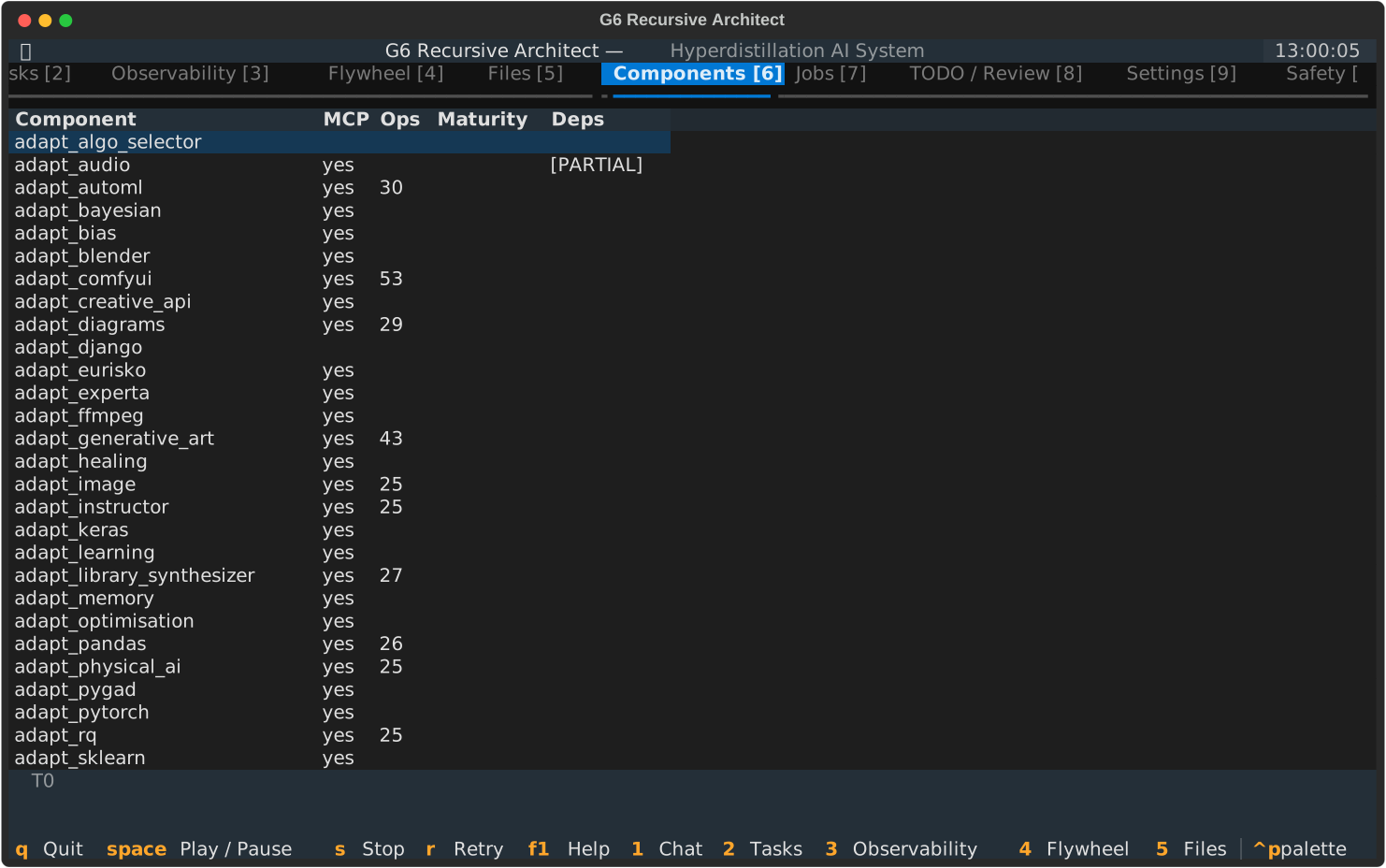
Queries the component registry and displays all 270 discovered components:
Discovered 270 registry components:
  core
  goal_engine [MCP] (325 ops)
  formal_methods [MCP] (405 active ops)
  adapt_sklearn [MCP] (29 ops)
  ...
Components with MCP sub-packages are tagged [MCP] with their operation count.
Jobs
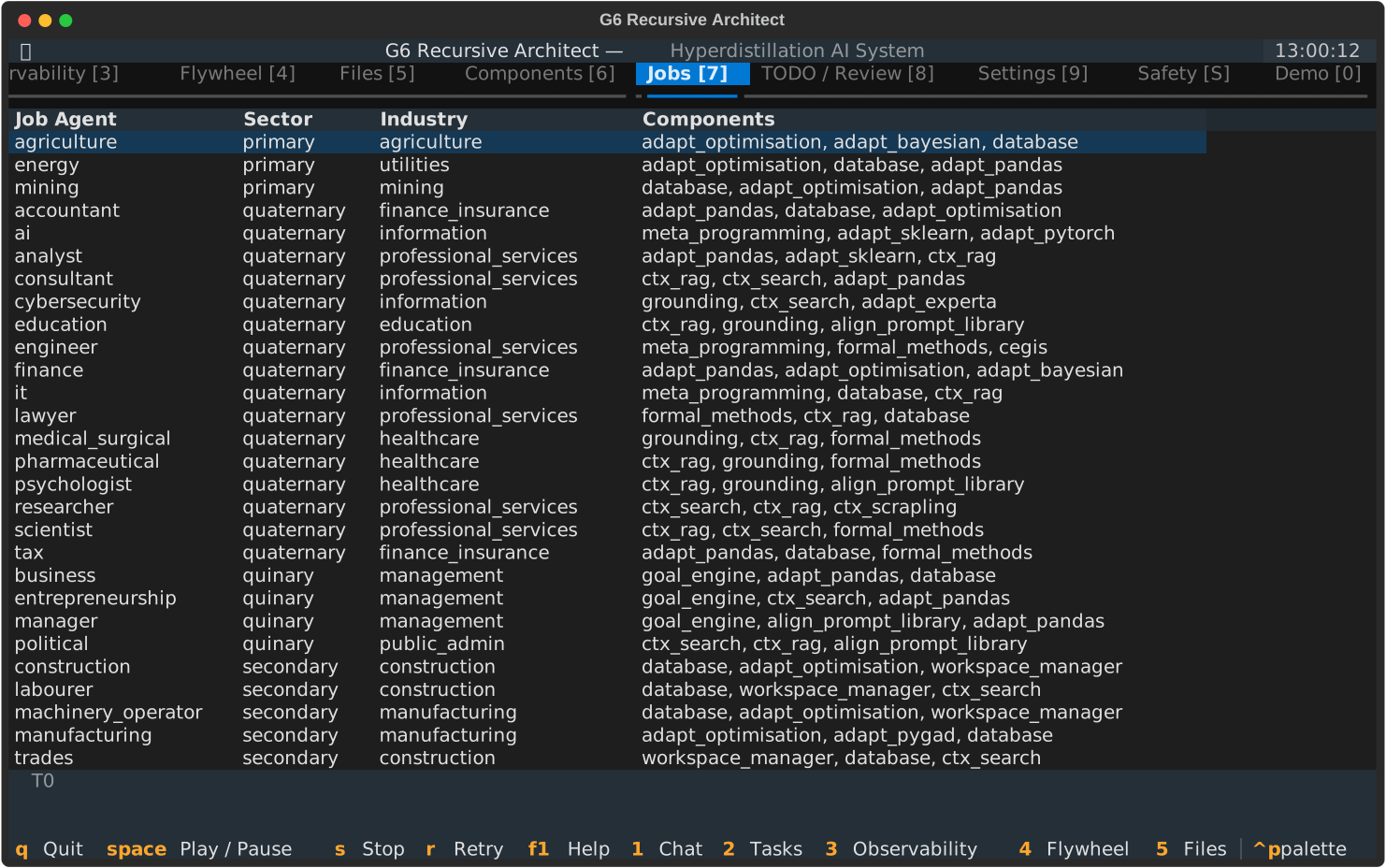
Lists 32+ job agents grouped by sector classification (finance, healthcare, legal, engineering, etc.). Each agent is a specialised domain workflow built on G6 components.
Flywheel
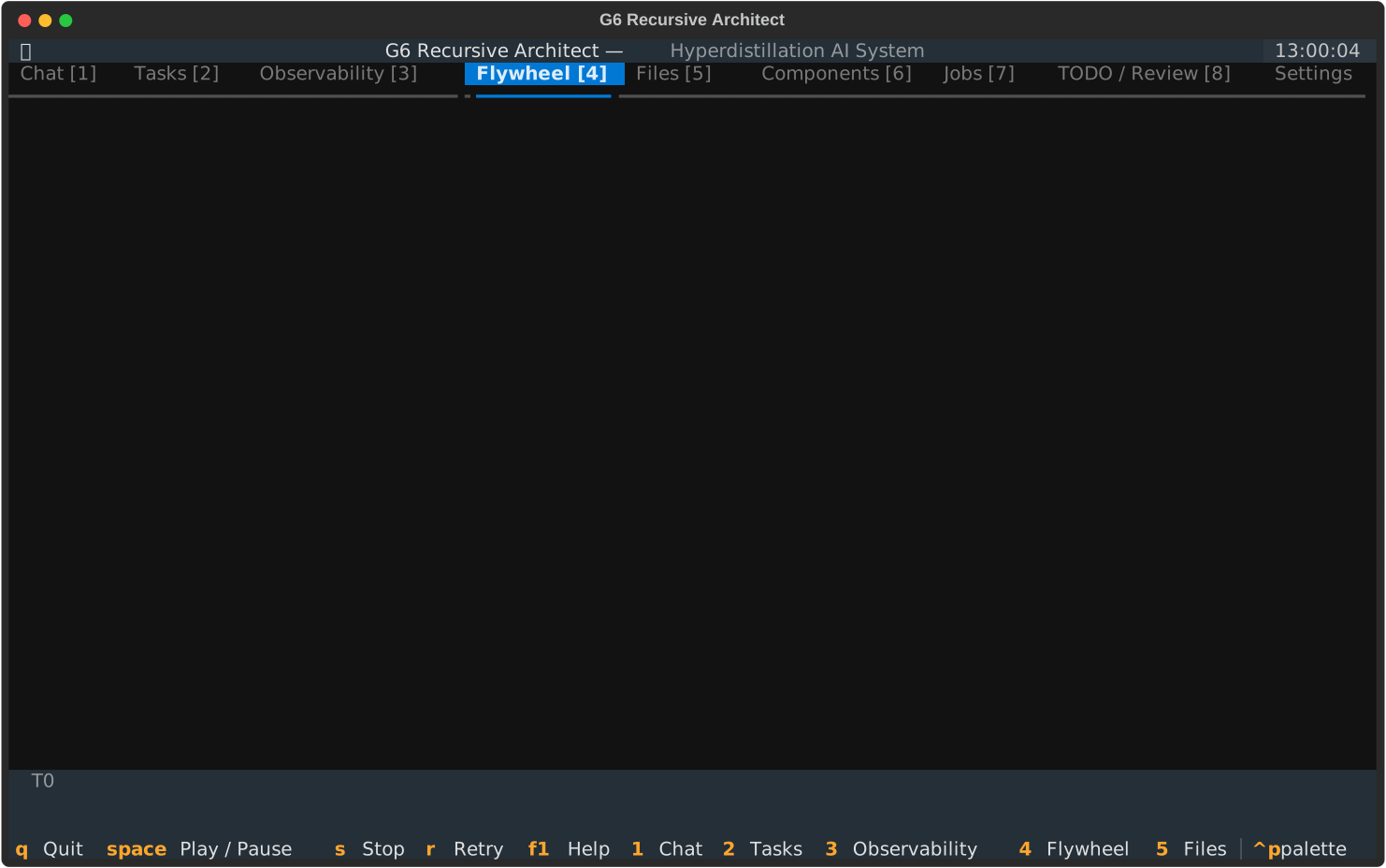
Solver accuracy improvement trail:
- Last 20 solver runs with per-component score breakdown
- Trend indicator showing accuracy trajectory
- Ratings and timestamps for each iteration
Safety
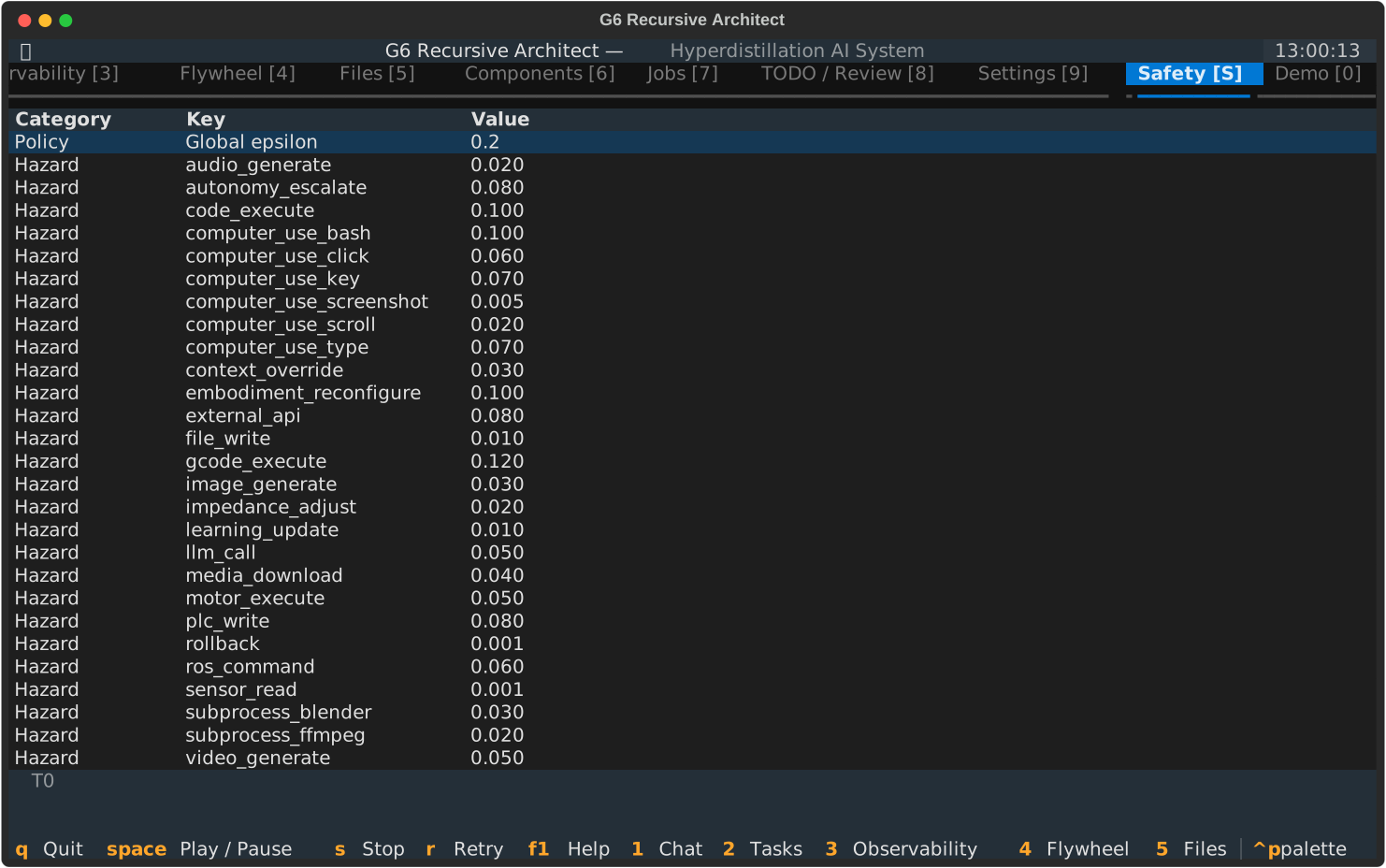
The Safety tab displays the CSF (Computational Safety Framework) status:
- G6 safety signature — hazard probabilities for each action class (LLM call, file write, code execute, external API, rollback)
- Epsilon bound — maximum acceptable catastrophe probability
- Safety decision log — recent CSF verdicts with reasoning
Demo
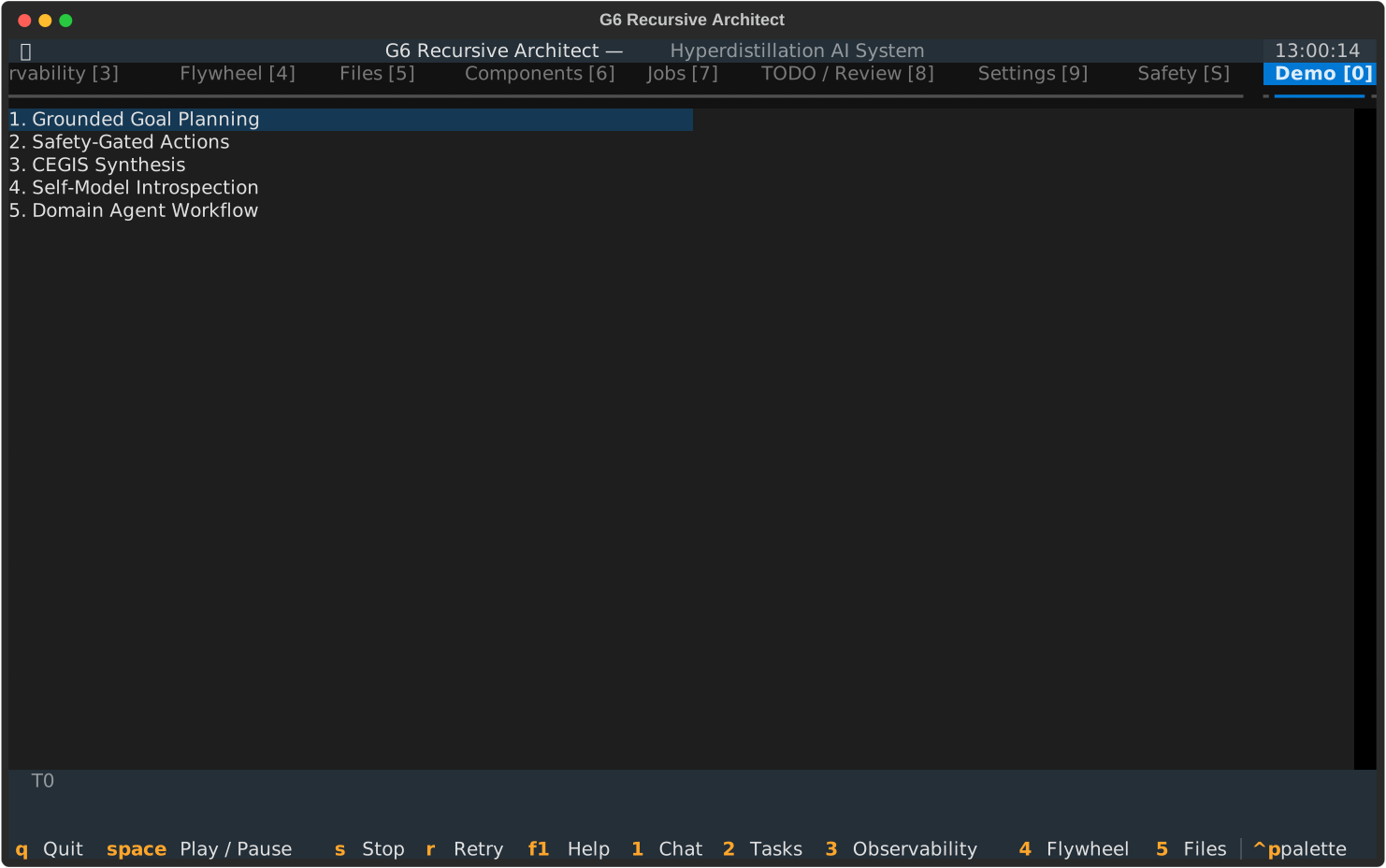
Five interactive demo scenarios:
- Grounded Goal Planning -- decompose and execute a goal
- Safety-Gated Actions -- CSF-guarded component invocation
- CEGIS Synthesis -- counterexample-guided program synthesis
- Self-Model Introspection -- metacognitive self-evaluation
- Domain Agent Workflow -- end-to-end job agent execution
Select a scenario from the list and observe output in the RichLog panel.
Screens and overlays
Goal Wizard
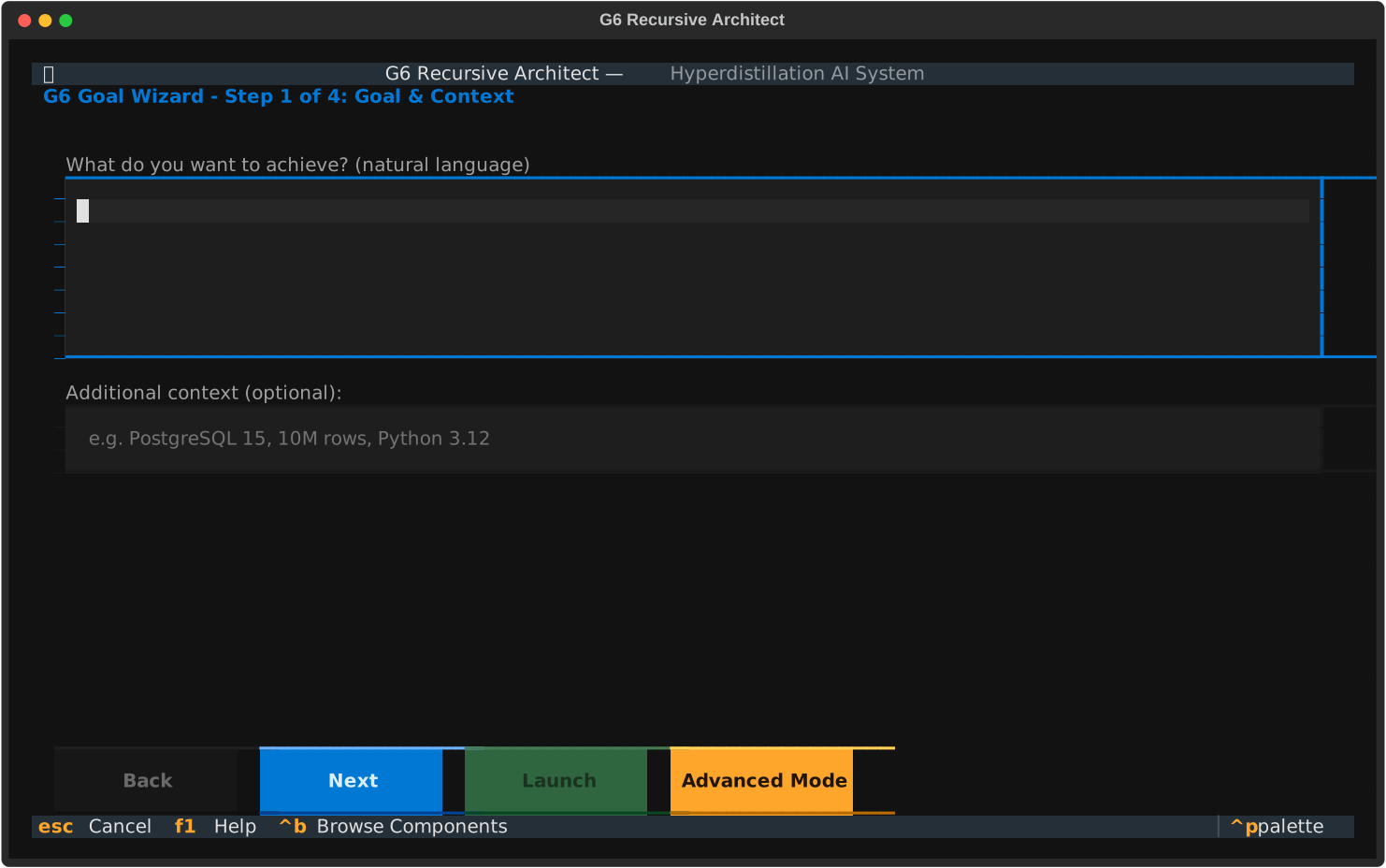
The Goal Wizard opens on first launch and walks you through setting up a run. It collects your goal, context, constraints, and resource bounds, then creates the ArchitectInput configuration.
Help Overlay
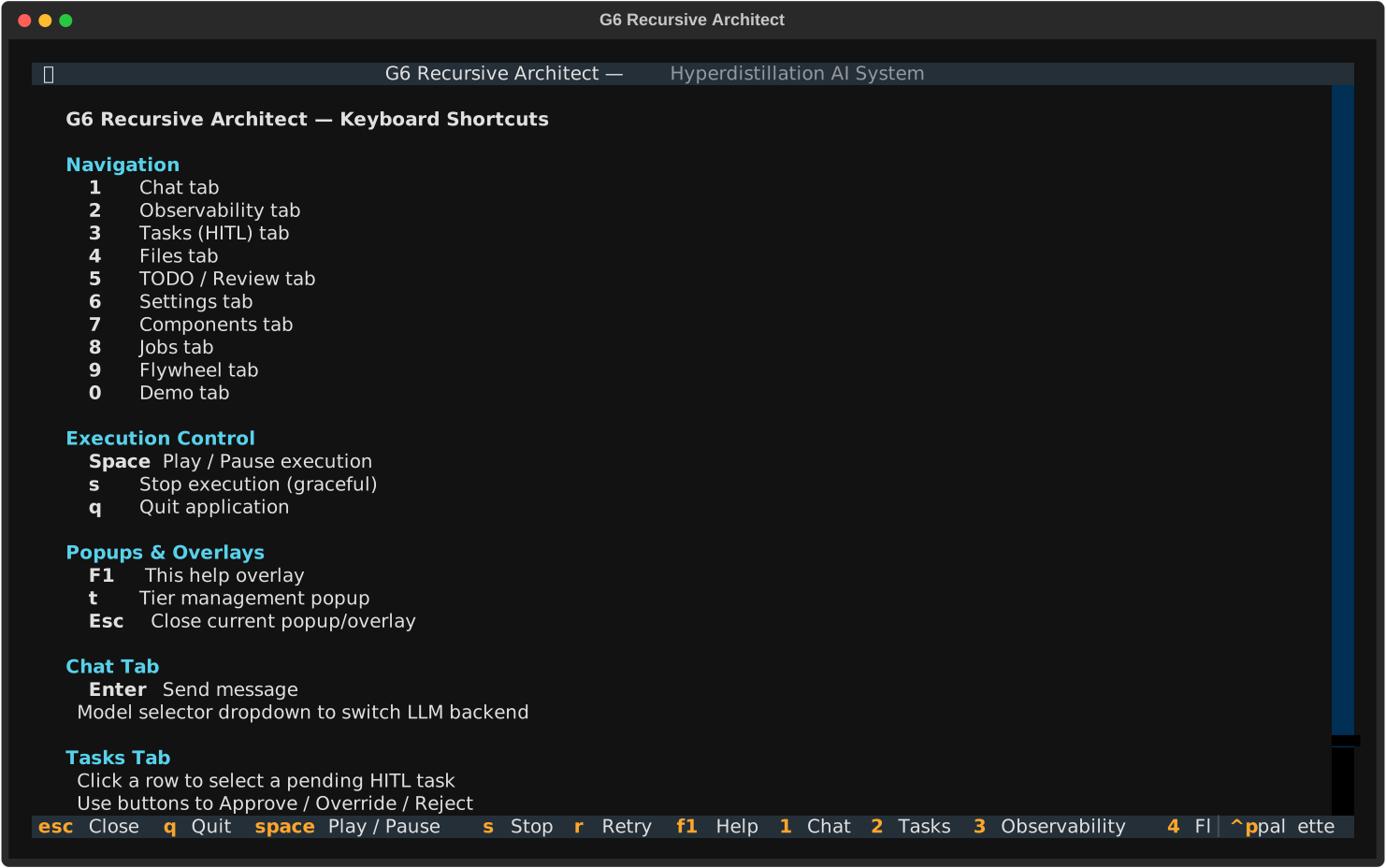
Press F1 to view all keyboard shortcuts and navigation commands.
Tier Popup
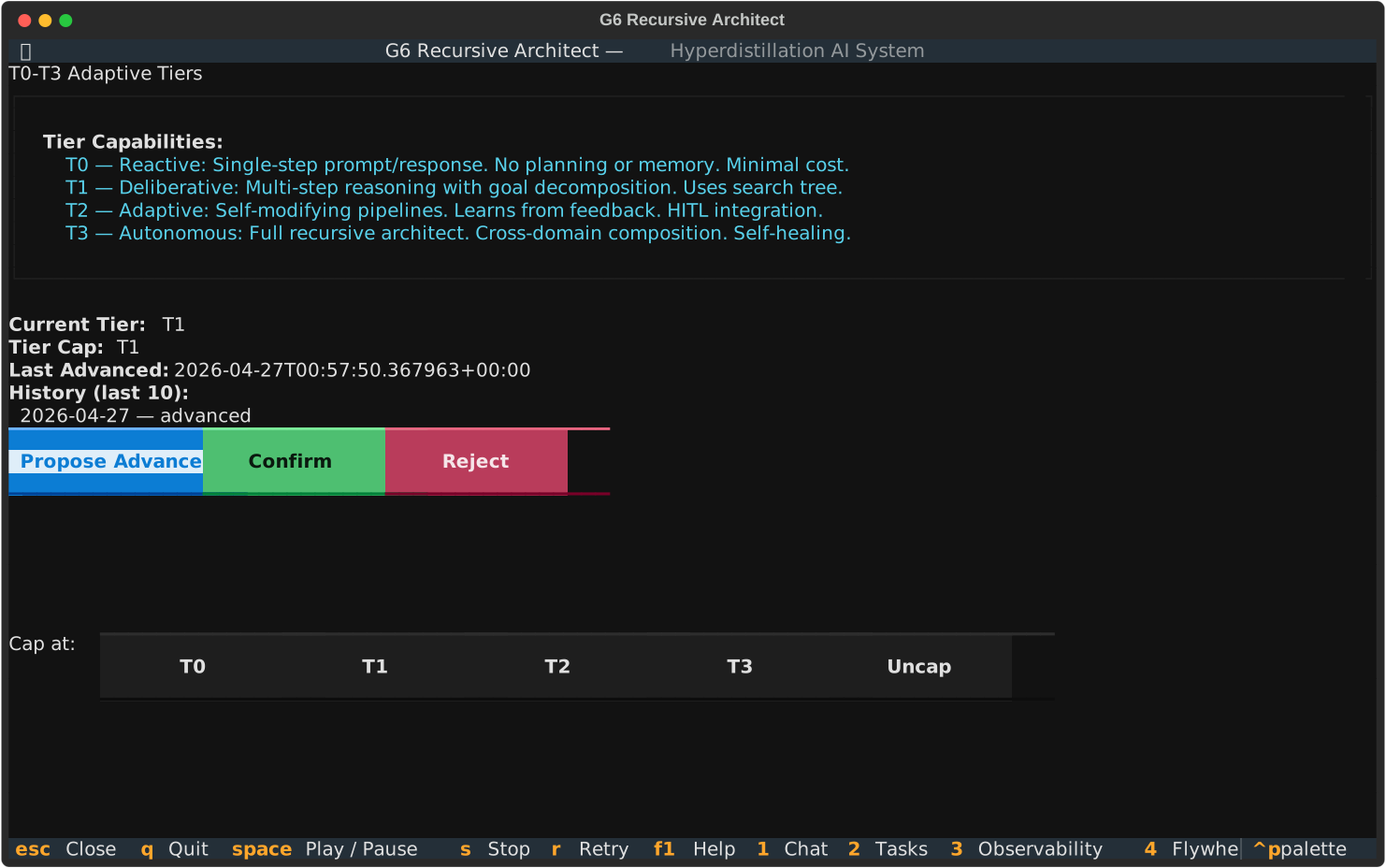
Press t to view and manage the T0-T3 tier status. Shows the current tier level, advancement criteria, and tier history.
Execution model
The TUI runs the RecursiveArchitectBlock asynchronously via asyncio.create_task. Four polling timers refresh the UI:
- Metrics (1s) -- updates metrics table, subgoal progress, files
- HITL (2s) -- refreshes the task queue, polls vault for Obsidian-initiated approvals
- Trace (2s) -- updates the reasoning trace view
- Flywheel (5s) -- refreshes solver accuracy trail
On stop or quit, the TUI:
- Cancels the background task
- Stops all timers
- Creates a git snapshot (
user-stoptag) - Writes
state.jsonto the workspace - Force-exits after 3s grace period (to handle orphaned LLM threads)
Source files
| File | Purpose |
|---|---|
bases/mvp/cli/__init__.py | Exports G6App |
bases/mvp/cli/__main__.py | Entry point (python -m mvp.cli) |
bases/mvp/cli/app.py | G6App(App) with tabs, actions, timers |
bases/mvp/cli/architect_view.py | Widget implementations (Chat, HITL, Metrics, Files, Settings, etc.) |
bases/mvp/cli/flywheel_widget.py | ImprovementTrailWidget for Flywheel tab |
bases/mvp/cli/flywheel_tab.py | Flywheel tab helpers |
bases/mvp/cli/screens/ | Screens (GoalWizard, GoalForm, Onboarding, Settings, TierPopup, ComponentBrowser, Demo, Help) |
bases/mvp/cli/g6_cli.py | REPL loop, workspace management, LLM dispatch |
bases/mvp/cli/repl_tools.py | 10 tool schemas and executors for REPL |
bases/mvp/cli/repl_skin.py | Prompt styling and colour themes |
bases/mvp/cli/memory_manager.py | ACE + Cognee memory integration |
bases/mvp/cli/mcp_client.py | MCP client for tool-calling |
bases/mvp/cli/session.py | Session management |
bases/mvp/cli/workspace_session.py | Workspace session persistence |
bases/mvp/cli/tier_commands.py | Tier CLI commands |
bases/mvp/cli/security_middleware.py | CLI security middleware |
bases/mvp/cli/tui_css.tcss | Textual CSS styles |
bases/mvp/cli/Dockerfile | Container build |
See also
- Desktop Base -- wraps this TUI with licensing, MCP server, and auto-update
- Bases Overview -- all delivery mechanisms
- API Reference -- programmatic interfaces